
Open-source comic-drama agent.One click to your next hit.
The open-source agent breaks work into tasks, calls skills, and connects scripts, story settings, storyboards, and final video generation. Start the full creative workflow in one click, with every asset saved locally—ready to edit, reuse, and continue anytime.
Drama Showcase
Different genres, all the way to finished video
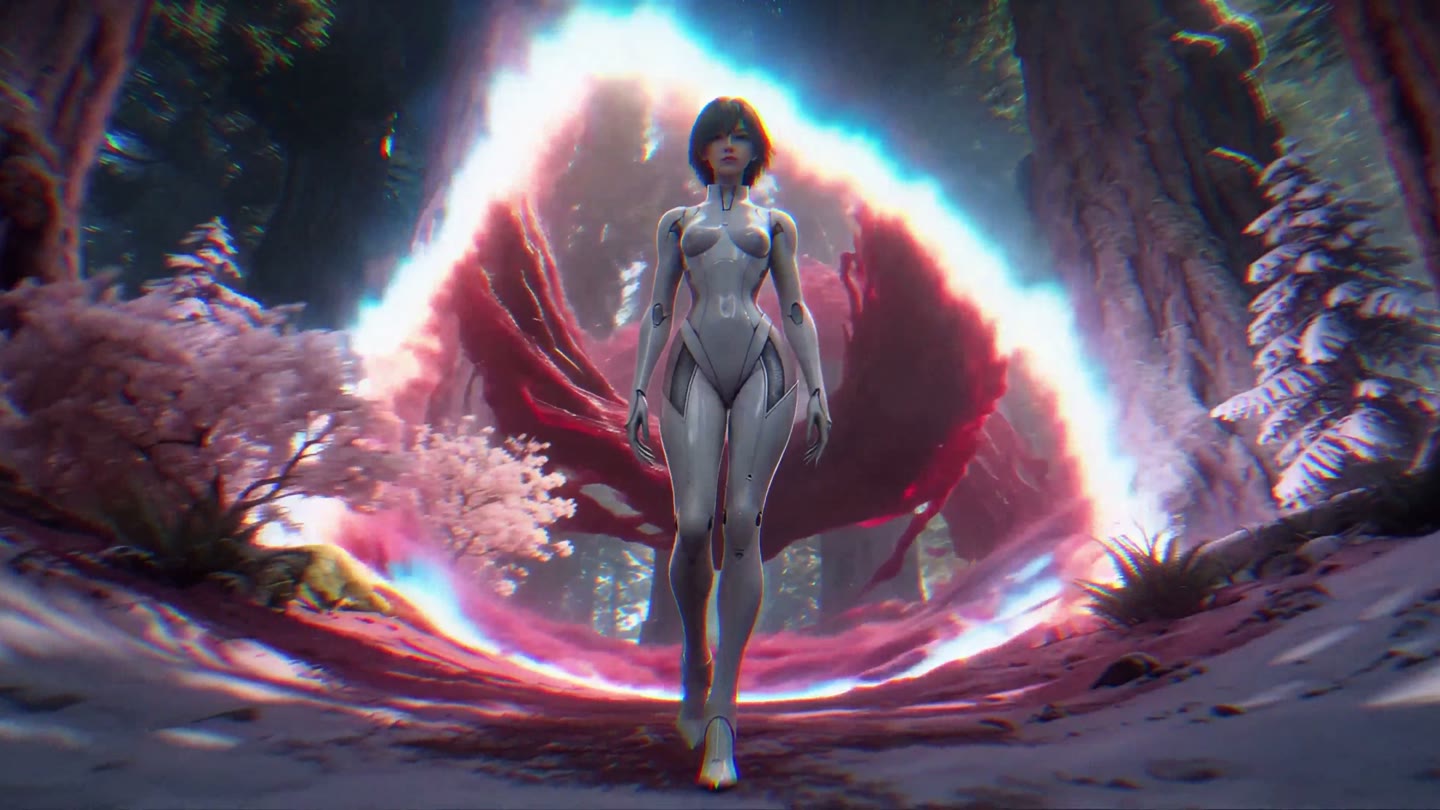
Alien Expedition
A young explorer crosses an unfamiliar planet of creatures, forests, and floating islands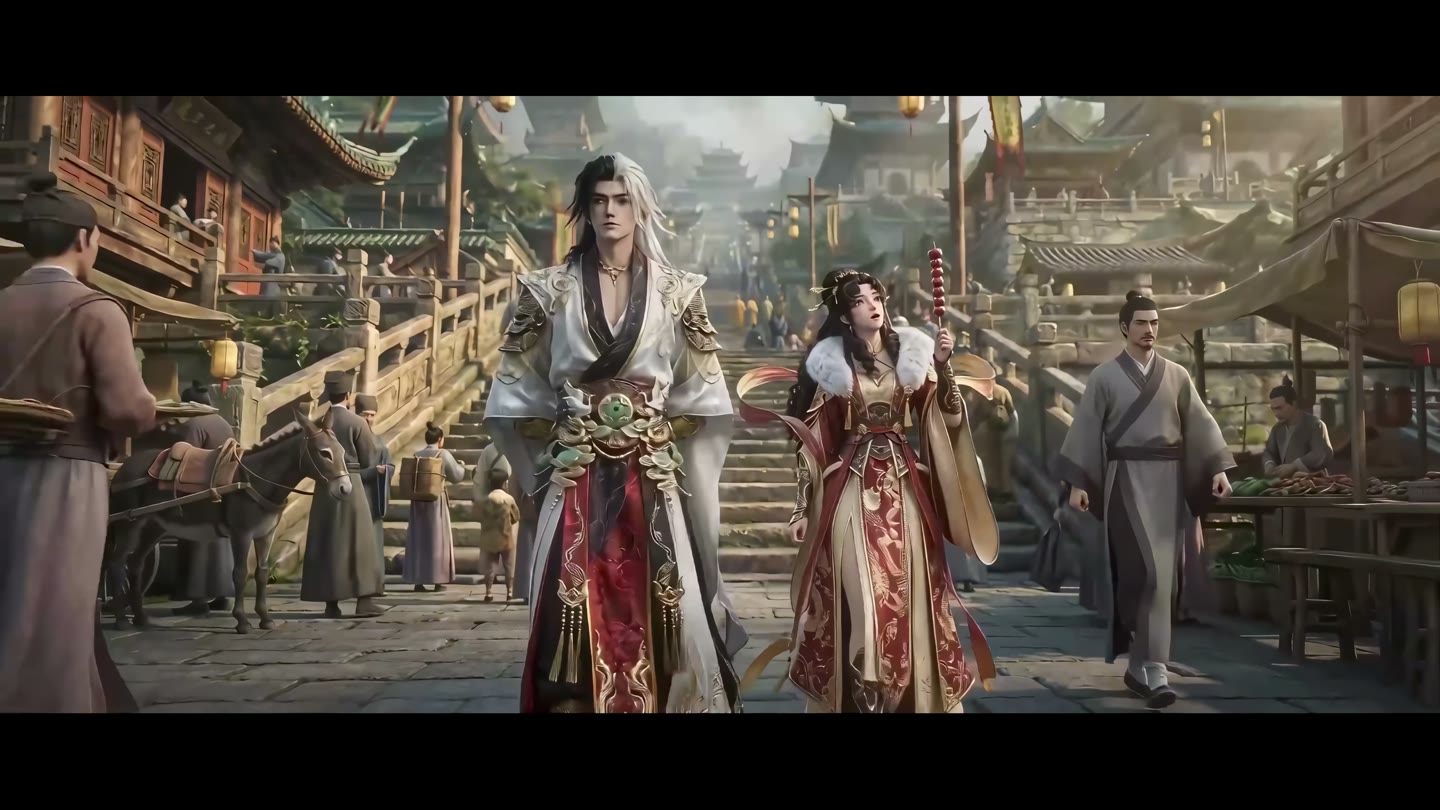
Old City Companions
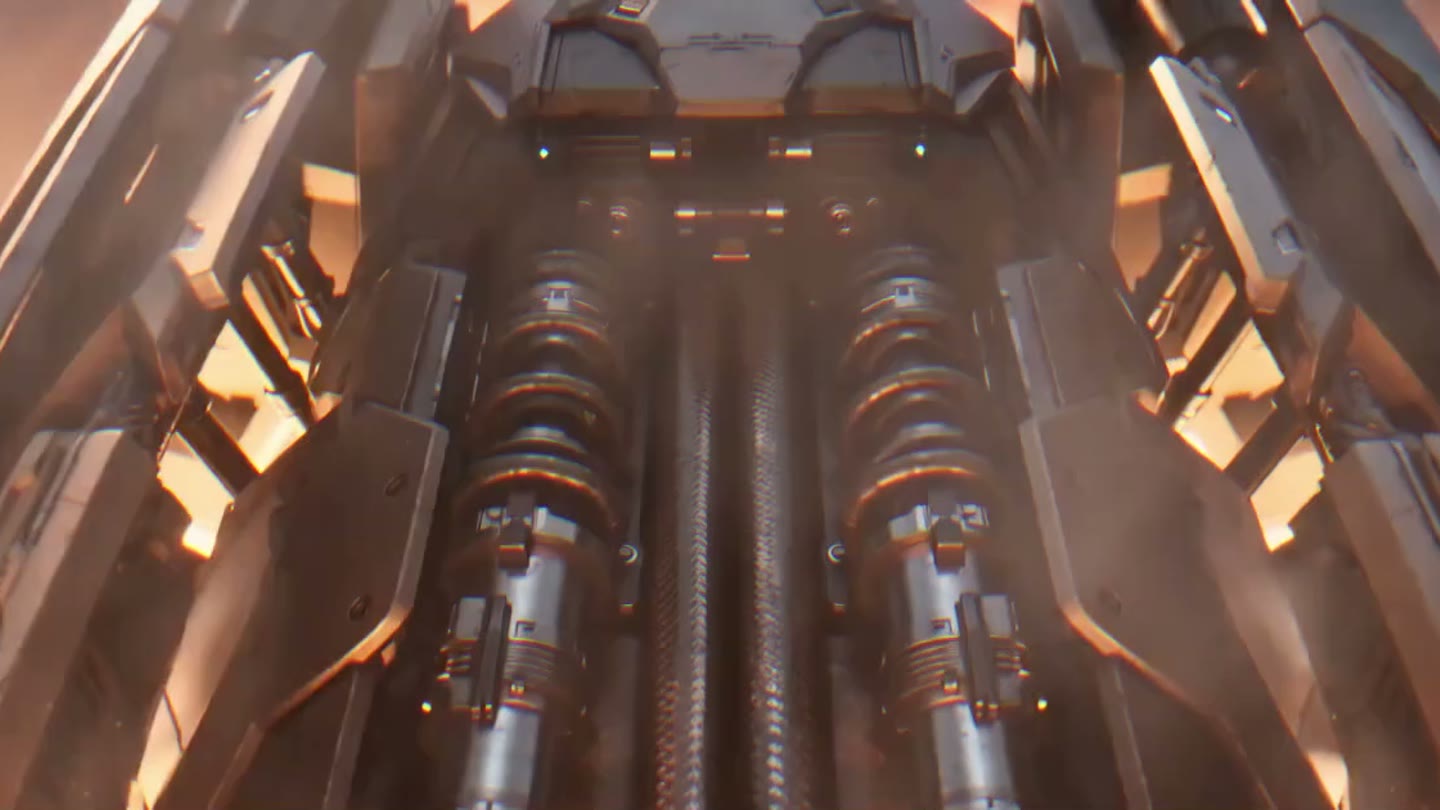
Mech Awakening
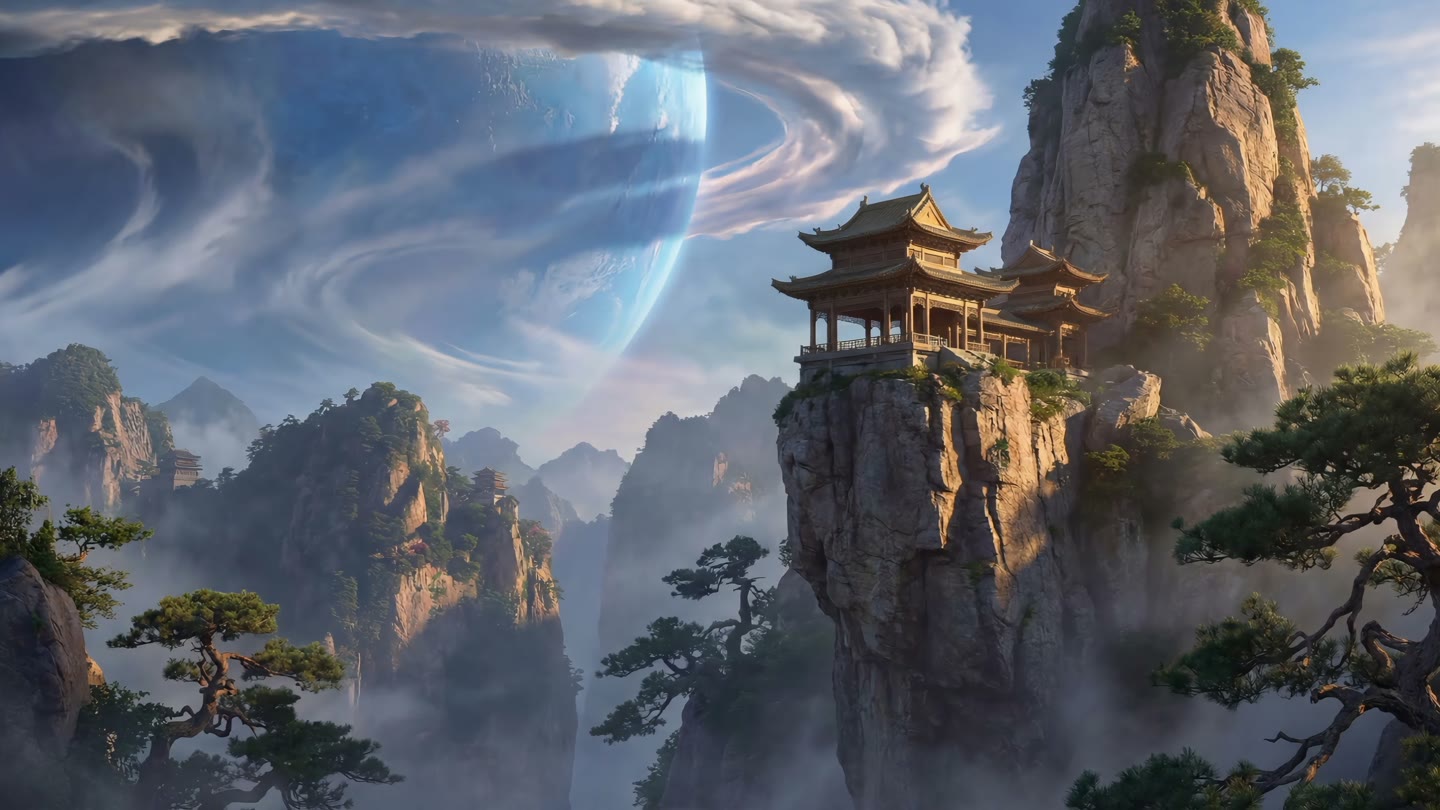
Beyond Shanhai
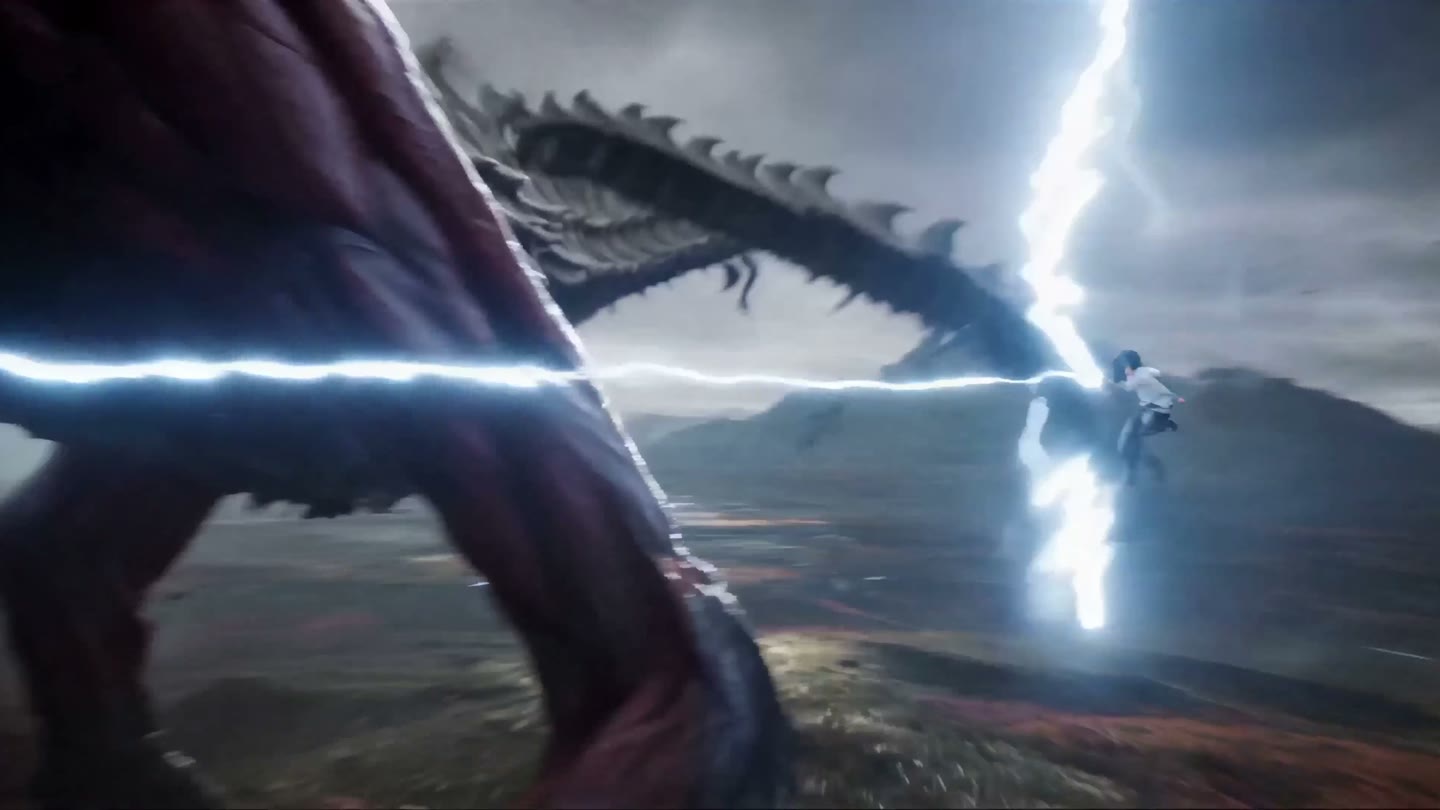
Beyond the Lightveil

Battle in the Flower Sea
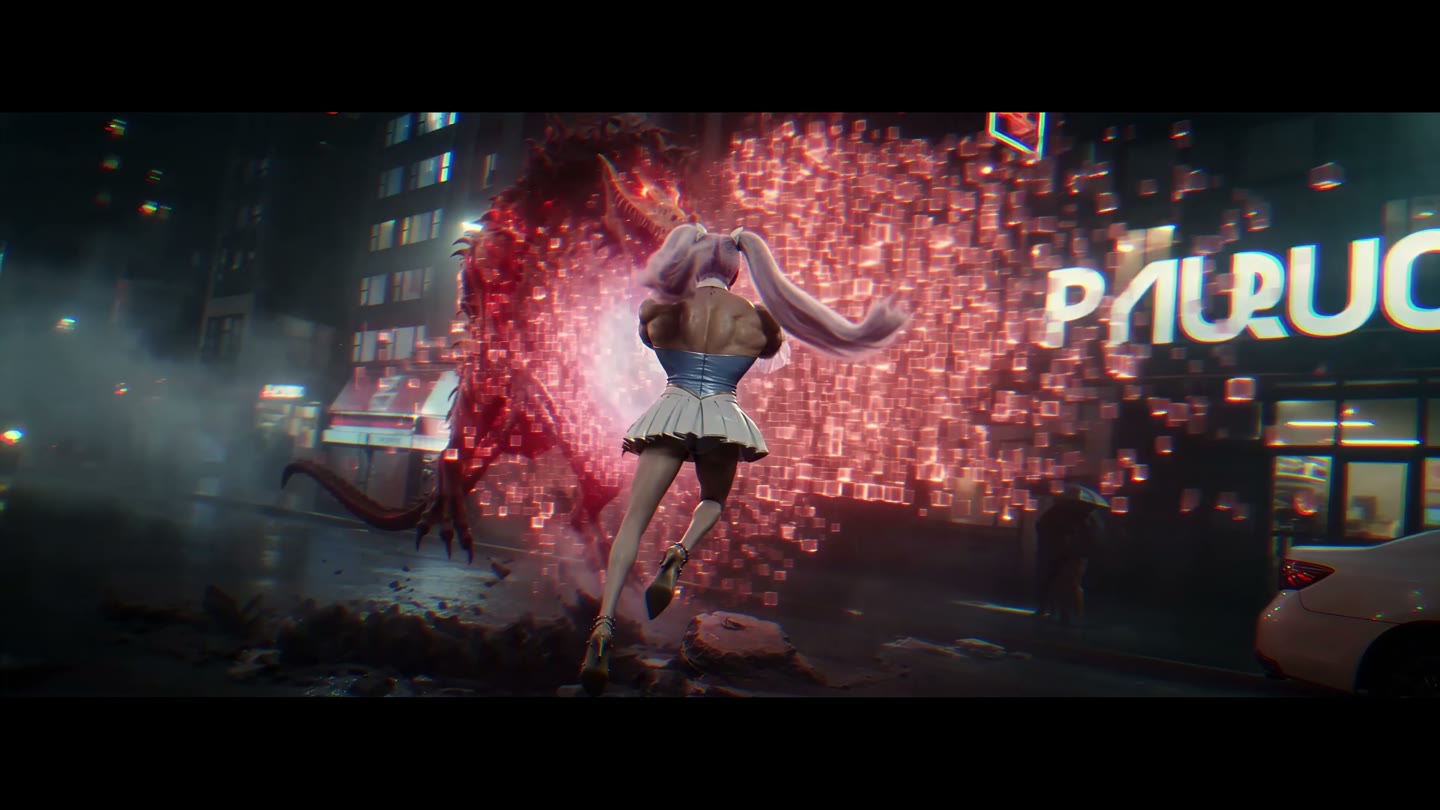
Neon Demon Hunt
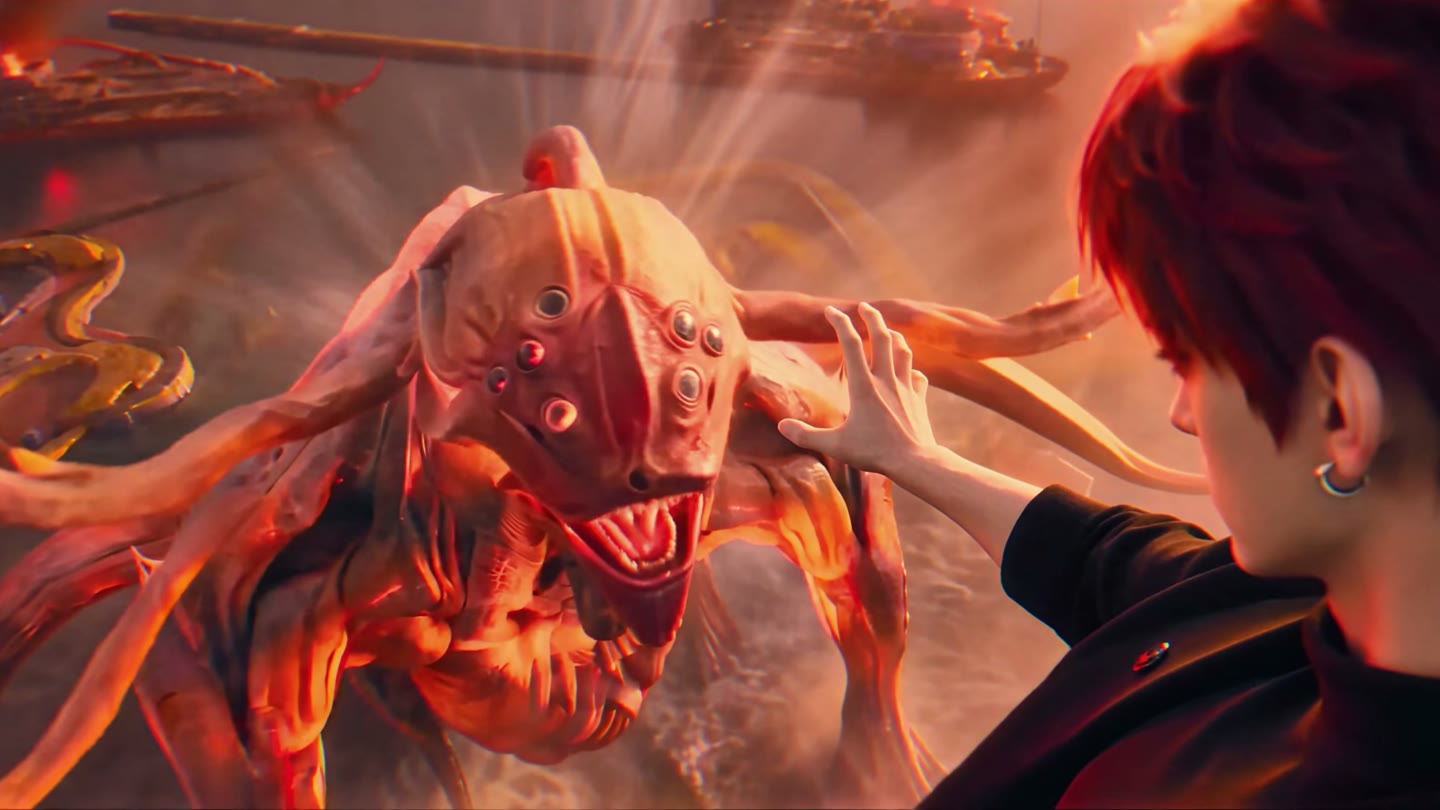
Red Dune Hunt
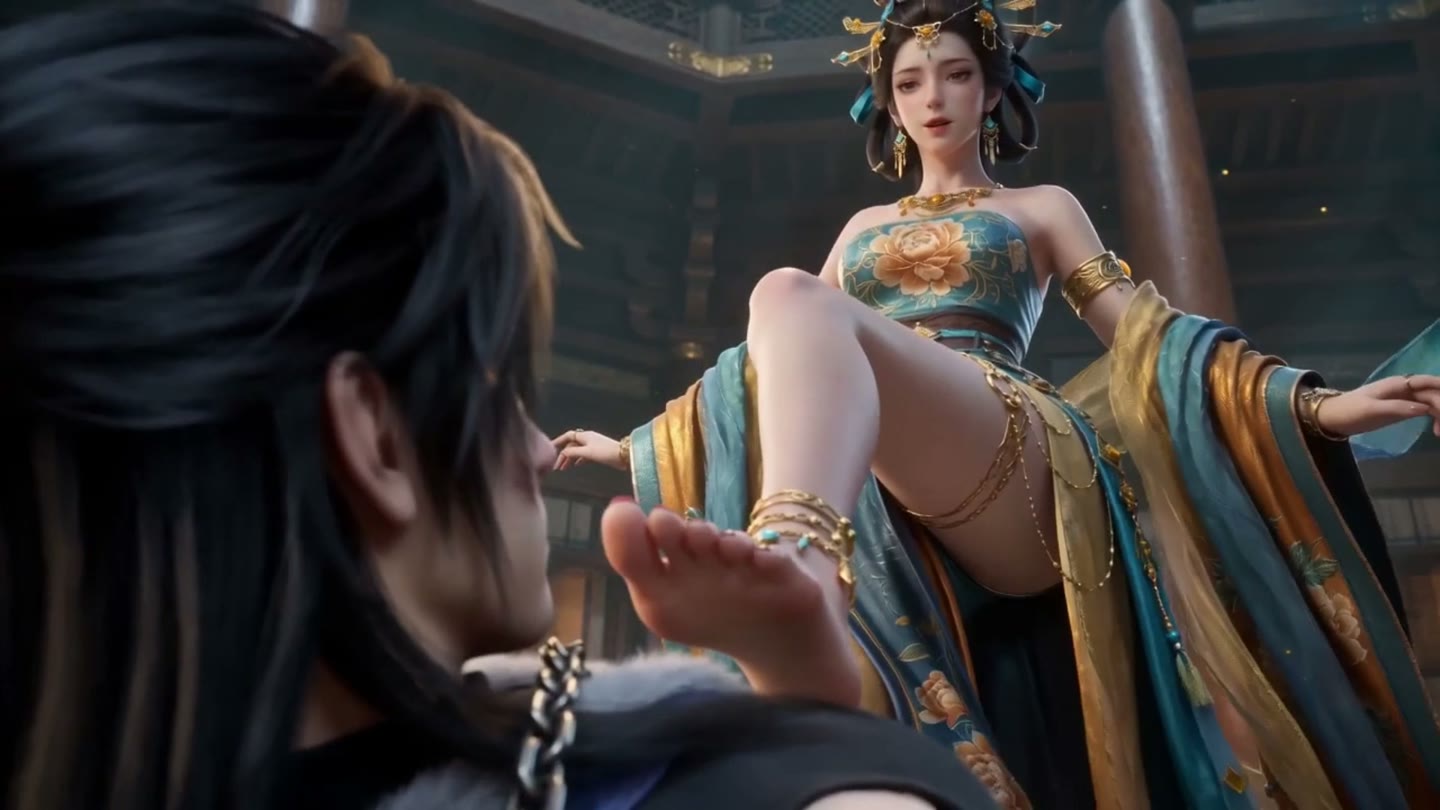
Trial of the Floating Realm
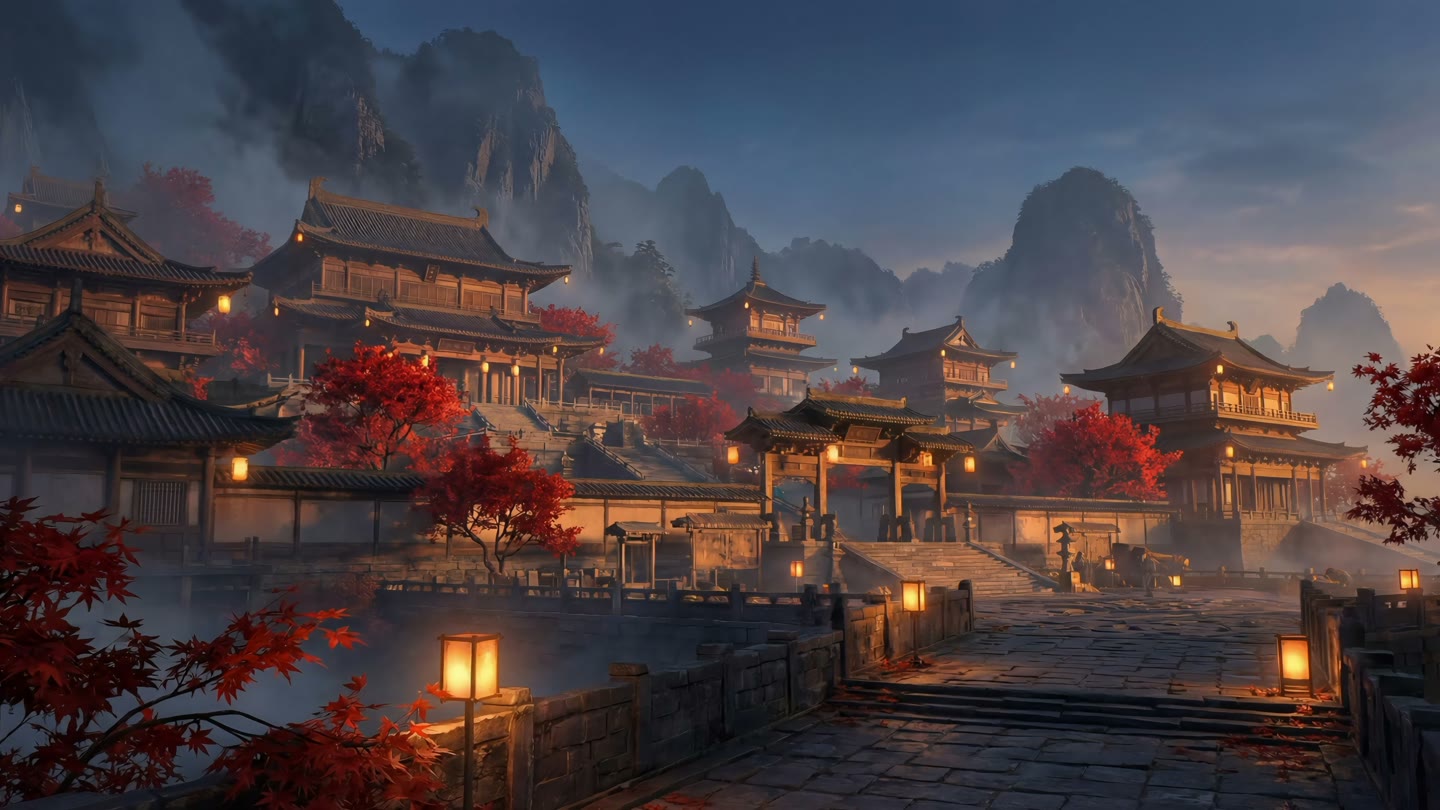
Four Seasons at the Mountain Gate
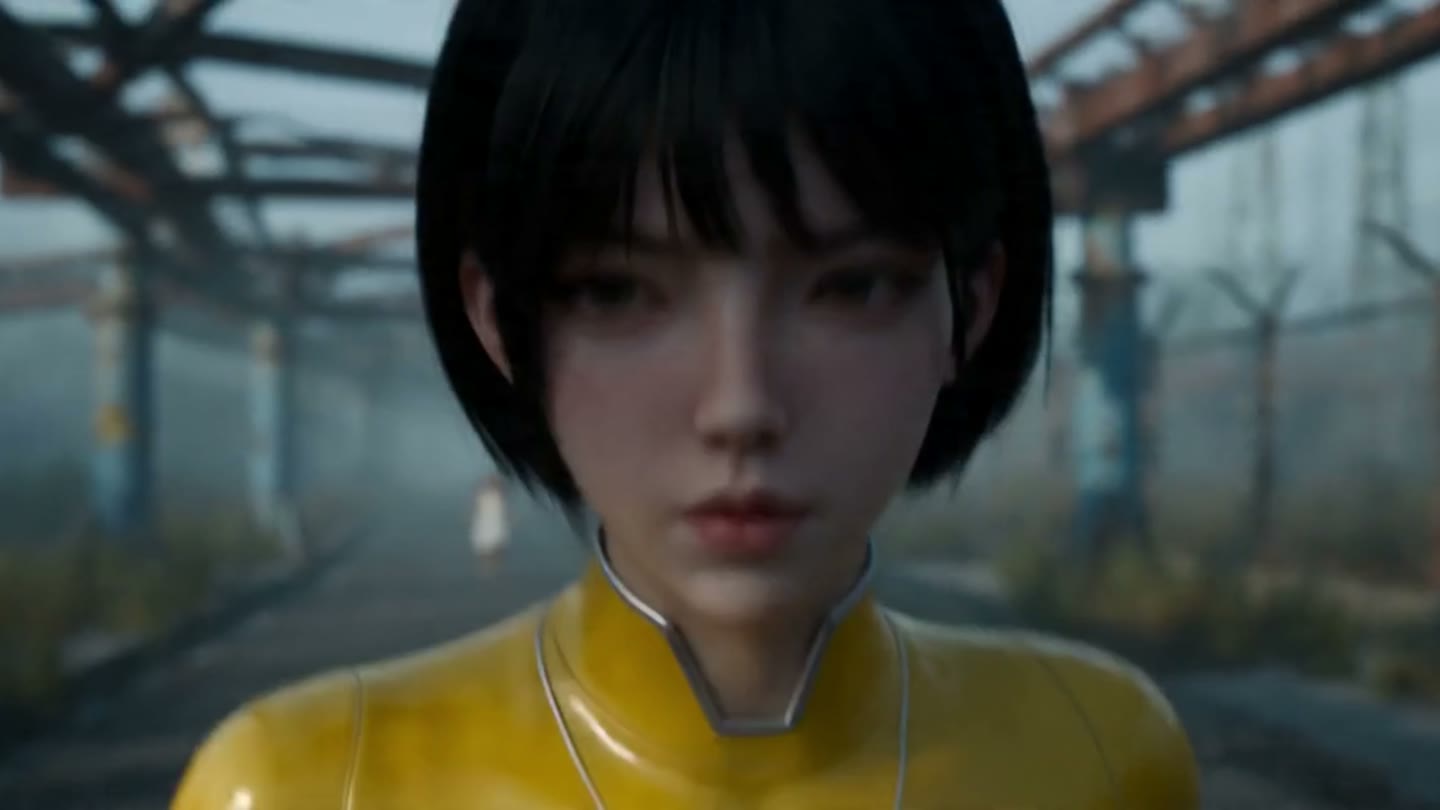
Escape from the Fog Park
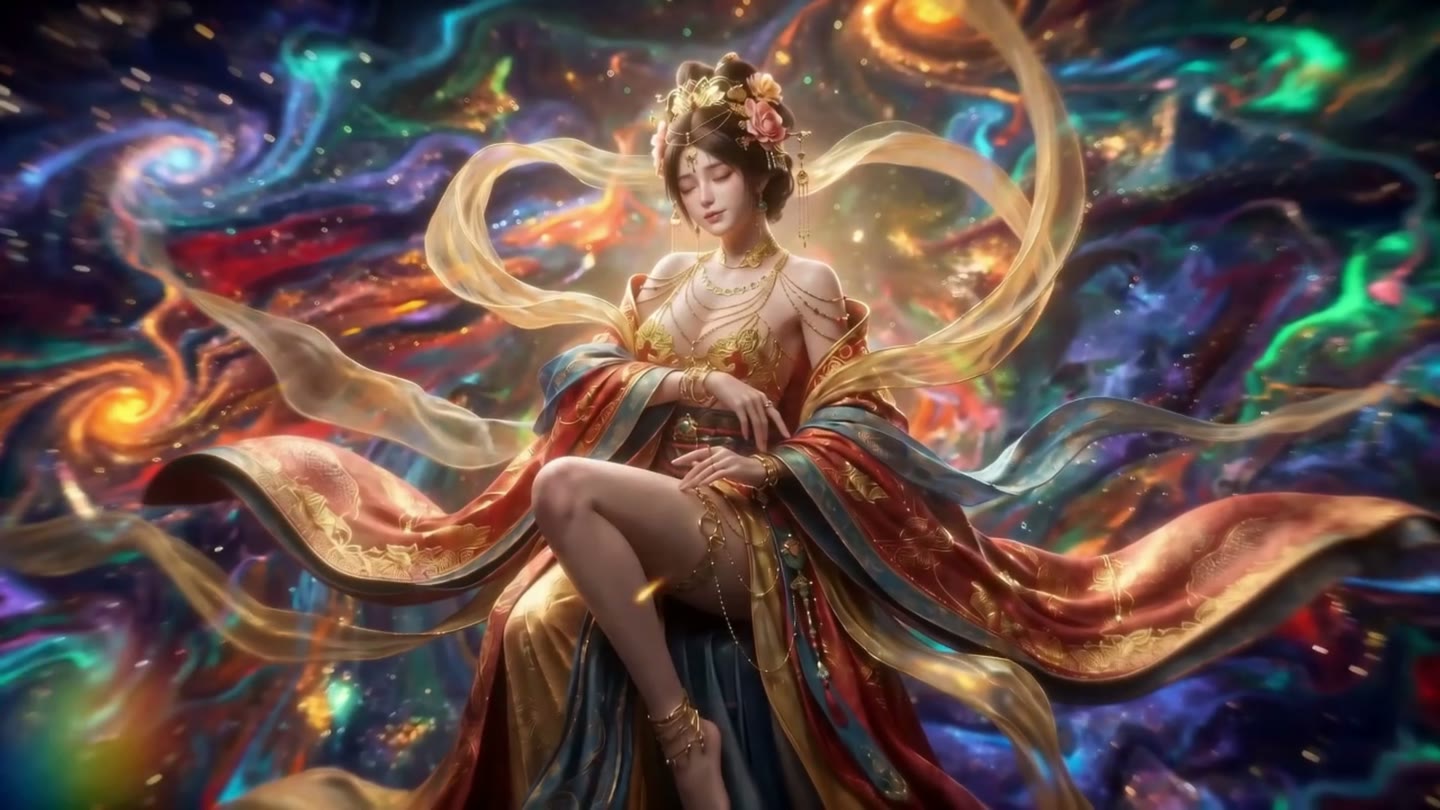
Celestial Dance
One project from source text to episode output
Source text, scripts, characters, scenes, props, storyboards, and generated media stay in one project. Every step has a clear artifact, and the agent continues from confirmed work.
Build the project context
Import source · Parse the storyTurn a novel, synopsis, or existing script into events, relationships, and scene rules.
Persist the creative baseline
Rewrite scenes · Define assetsKeep characters, locations, props, and visual constraints in editable project documents.
Let the agent move work forward
Load skills · @ mention referencesThe agent reads existing work and referenced material, selects the right skill and model, then writes results back to the project.
Generate, record, and continue
Image and video · Task trailKeep outputs, state, failures, and revisions so work can resume after interruption or a model change.
Project documents and creative assets stay on your machine. Generation may use external services depending on the selected model and provider.
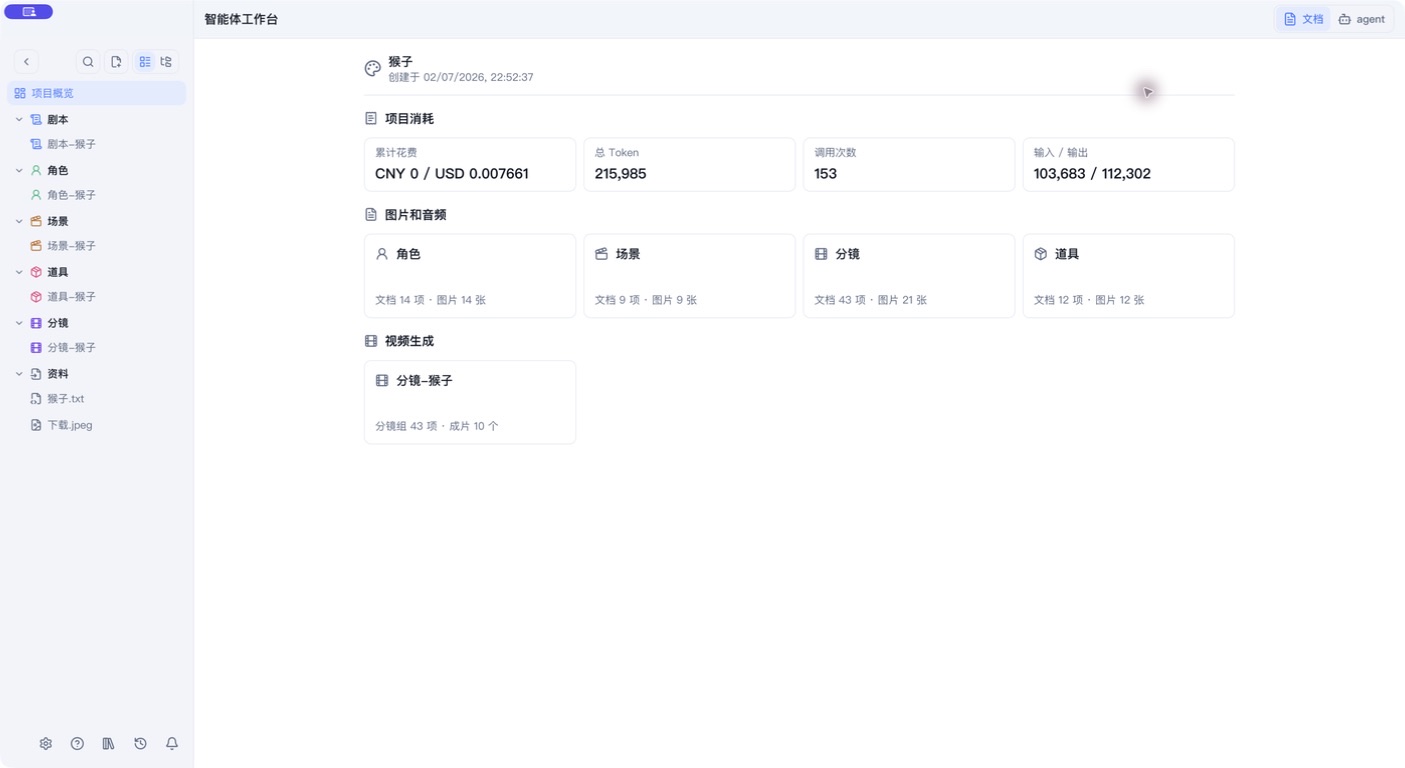
Keep production rules in the project,not in a chat
Characters, scenes, props, and storyboards remain readable, editable project documents. Creators can review and revise them, while the agent can reference confirmed work in later tasks.
Clear structure that people can edit
Definitions stay in Markdown and structured entries instead of disappearing inside one chat or prompt.
Confirmed work carries into later tasks
Character looks, scene rules, and key props become the shared baseline for rewrites, storyboards, and generation.
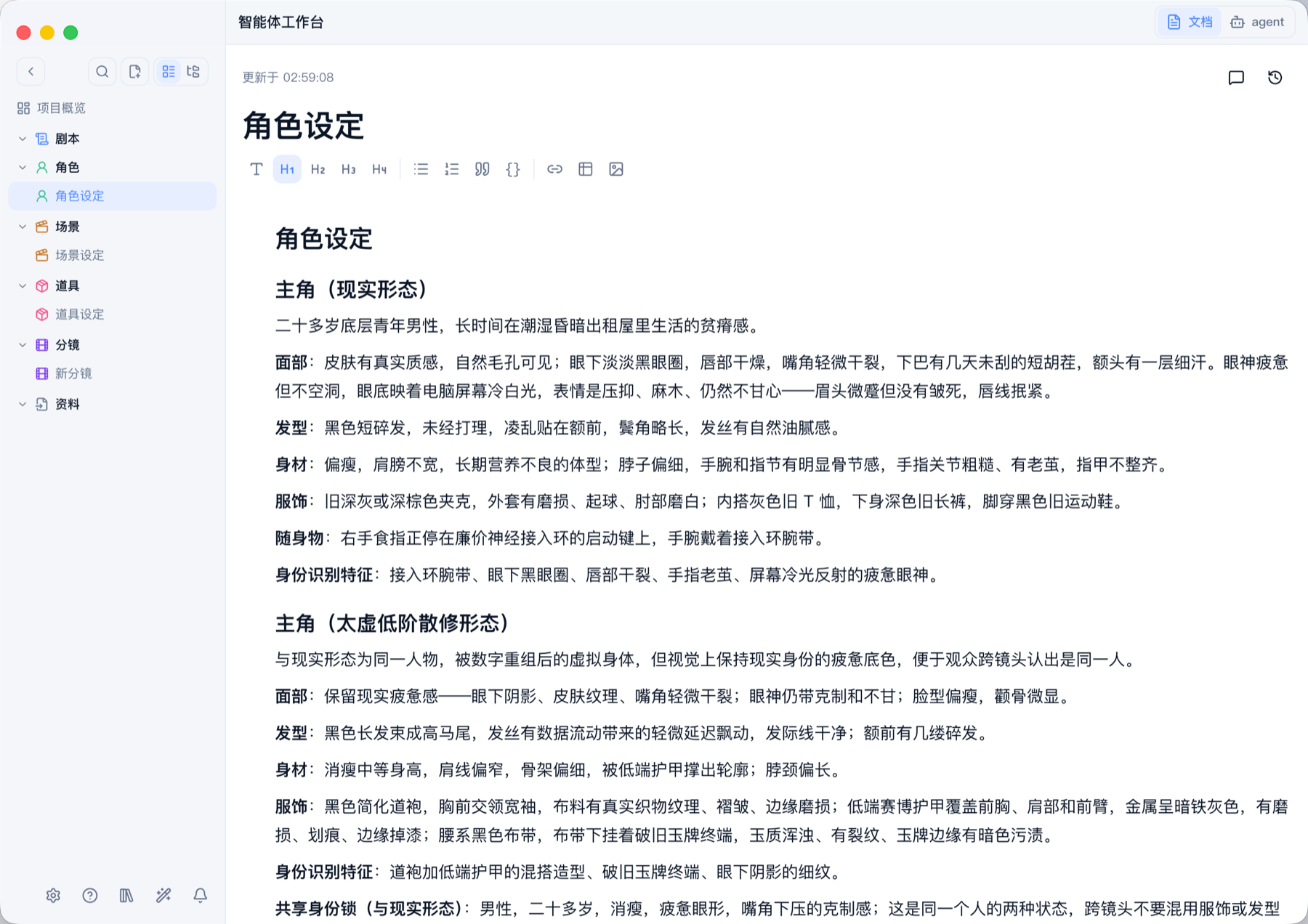
Generate in batches without losing item-level status
Select characters, scenes, or storyboard items and create generation tasks in batches. Each result remains separate, so failed items can be retried before the work moves into shots and episode output.
- Select project items
- Create tasks in batches
- Retry failed items
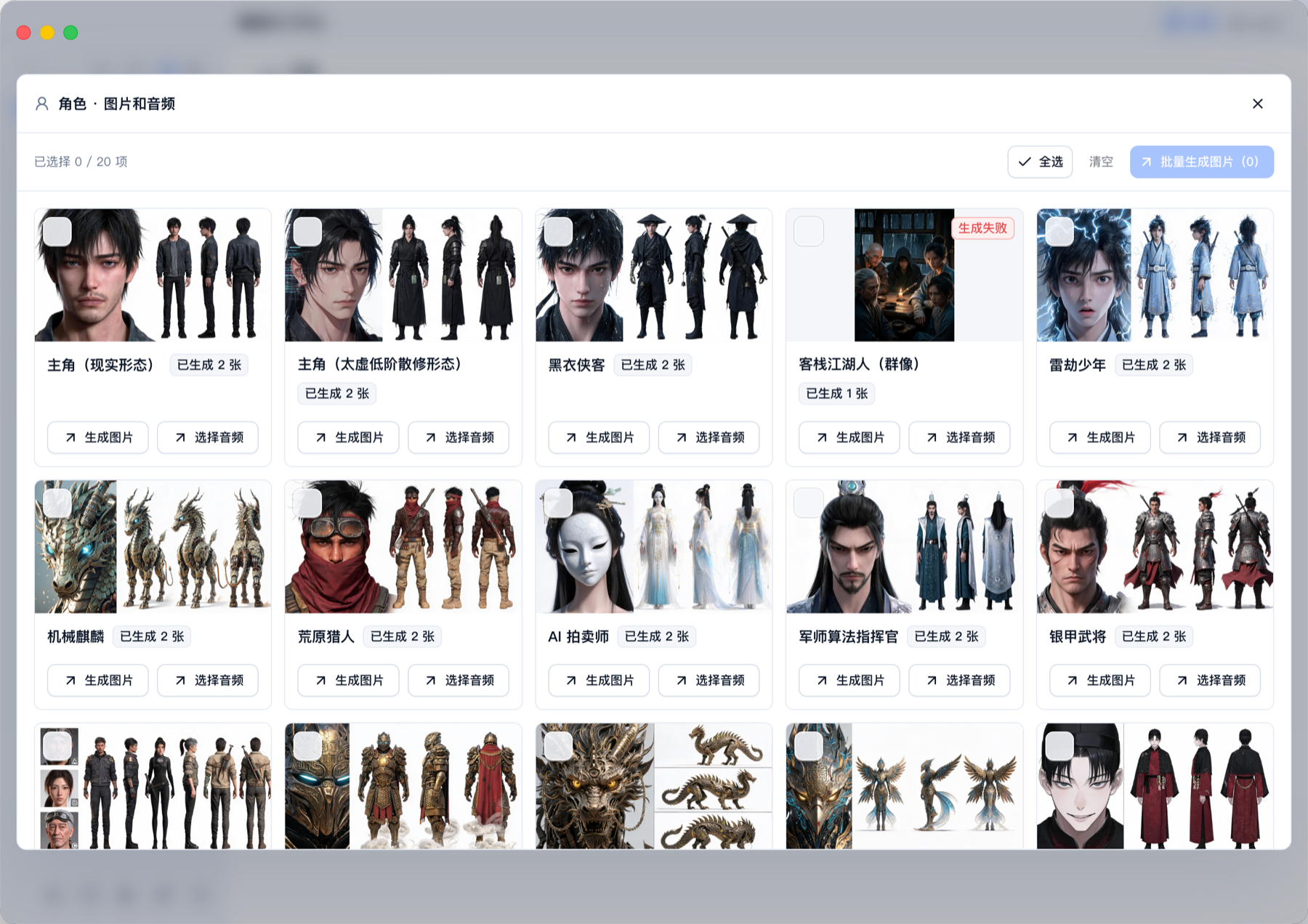
Move from storyboards into episode preview
Shot groups, generation status, and completed clips share one timeline. Review the sequence, fill missing shots, then preview or export the result together.
- Review the shot order
- Keep status on the timeline
- Export completed clips together
MediaGo / Explore
An idea is just the beginning
Explore creative skills, AIGC updates and practical guides. Bring what inspires you into Drama.

巨物降临|巨物压场|先给参照,再揭开全貌
先选一个容易理解的小尺度参照:路灯、人、渡船、窗格或飞鸟。巨物只保留一个最有辨识度的结构和一个核心运动,避免同时长角、长翼、长机械臂又不断变形。用户只要奇观时直接做尺度揭示,不强行安排战斗、追杀或救世剧情。
AI仿真人|像真人一样有质感
适用于用户明确选择 AI 仿真人,或项目已经采用该风格的资产设计。先读取已确认角色、服装、场景与参考图,保留人物辨识点;没有参考时仅给出一套明确可执行的初版,不擅自替换成夸张动漫脸。

产品广告|让一个卖点被看见
白色桌面上放一只哑光深蓝折叠台灯,灯座为圆角方形,右前角只有一个圆形按键。固定三分之二侧面中景,一只成年人的右手轻压灯臂关节,将灯头缓慢折向灯座;另一只手扶住底座,底座不滑动。折叠结束后两手离开,镜头停留在收拢后的完整轮廓。侧后方柔光勾出边缘,桌面接触阴影稳定。无尺寸数字、性能图标和额外配件,声音为
Generic AI can generate. Drama helps you keep a whole production moving.
The longer the story, the less a single chat can hold
When character definitions are scattered, scene rules need repeating, and confirmed work keeps getting rebuilt, long productions lose continuity. MediaGo Drama organizes source material, definitions, storyboards, and generated media in one local project so every task can build on the last.
Keep the work continuous
Give the agent the whole production instead of another empty conversation.
Project-level memory
Read project documents, relationships, world rules, and existing shots in later tasks.
Character and world continuity
Use approved looks, scene rules, and key props as the baseline across chapters and shots.
Keep production moving
Turn creative material into executable work while preserving the trail.
Move from text into shots
Carry scripts, characters, scenes, and storyboards directly into image and video generation.
Let the agent continue
Load skills, break down tasks, and write results back between human confirmation points.
Keep a record of every step
Review source, definitions, storyboards, task state, failures, and revisions or resume after interruption.
Own the method and the assets
Finish with reusable production capability, not only a one-off output.
Turn experience into a method
Capture script, character, scene, prop, and storyboard rules as editable skills and templates.
Local-first by design
Keep project documents and creative assets on your device for editing, search, and long-term archiving.
Built for people who need to carry a story forward
Whether you are making a first episode alone or standardizing a team pipeline, Drama turns repeated explanation into reusable project assets.
- NovelistsDevelop an existing story into a drama project with scripts, definitions, and storyboards.
- Writers and directorsManage characters, scenes, shots, and production progress in one project.
- AI content teamsTurn proven prompts, skills, and review criteria into shared standards.
- Comic-drama studiosCoordinate projects, creative assets, and batch generation tasks.
- Independent creatorsSpend less time reorganizing context and more time developing the work.
Prompts and skills become team assets
Organize your creative methods into skill packages and adapt them by genre, visual style and platform requirements.